| Go Back to the Facebook Help Index |
|||
How do I edit my Likes on Facebook? |
|||
|
Updated August 2013
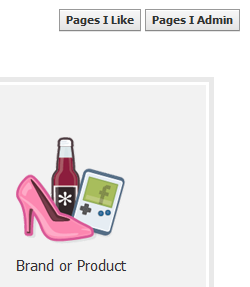
There are a couple different ways to do this, and I just discovered this new way. Type "Create Page" into the facebook search bar, and press enter. Then, look in the upper right corner for the "Pages I Like" button, and click it.
First, go to your Timeline, and click the "update info" button to the right of your name.  Then, at the top of the page, click on "More" and it will drop a list down, then click on "Likes" as shown here. 
Now that you are on the "Likes" page, you can see the pages you have liked. They are in categories now, so if you dont see the page you are looking for, select the "More" option again as shown here. Then click on "Other Likes".  Find the page you want to "unlike" and hover your mouse over it, a little icon will appear in the upper right corner, and if you then hover your mouse over that icon, you will be presented with these options.   |
 to control who can see this particular item in your Timeline.